

BD188 App Download: Android APK, Update, iPhone Install
Install the BD188 Android APK in five steps, update it safely and fix common install errors. iPhone users get a mobile-site option.
Table of Contents
The BD188 app download for Android takes about two minutes: get the APK file, allow unknown sources once, tap Install and log in with your mobile number and OTP. Check the file size and your storage first, because most failed installs come from a full phone.
Common myth: an APK is not a virus by default. The risk comes from the source, so use only the link on the official platform and never a file forwarded in a chat group.
What the BD188 app offers on your phone
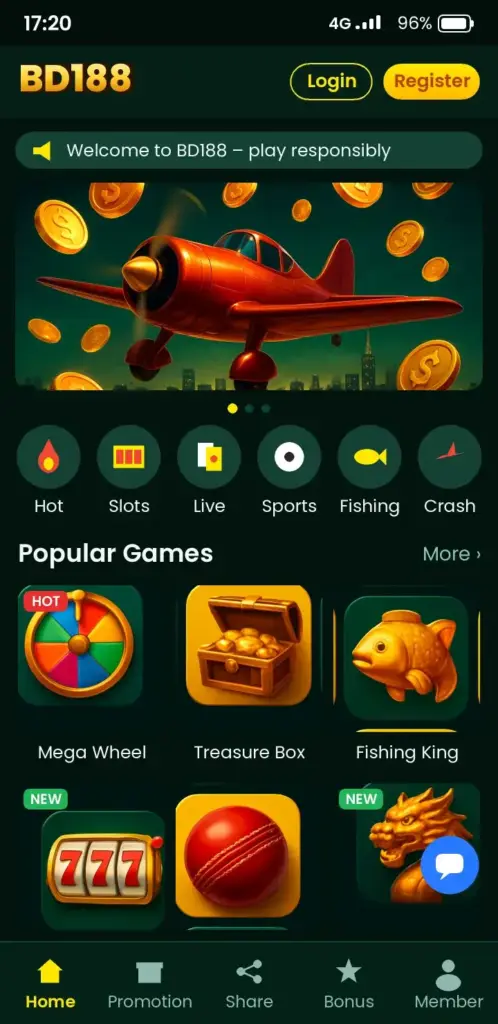
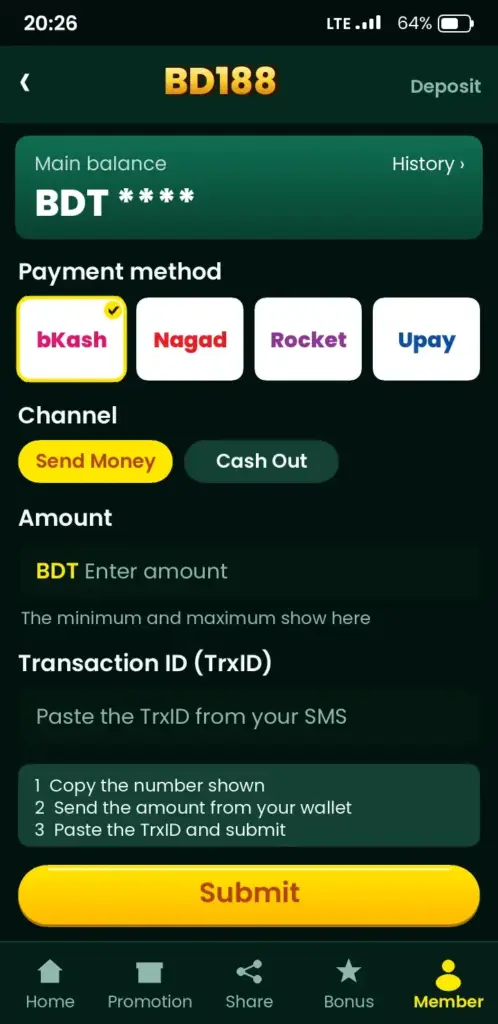
You land on one screen with sports, live tables and slots. Cricket betting odds for IPL and BPL matches sit next to football markets, and live dealer tables are one tap away. The wallet tab handles a bKash deposit, Nagad or Rocket, all in taka (BDT). Check the app for the current list of methods.
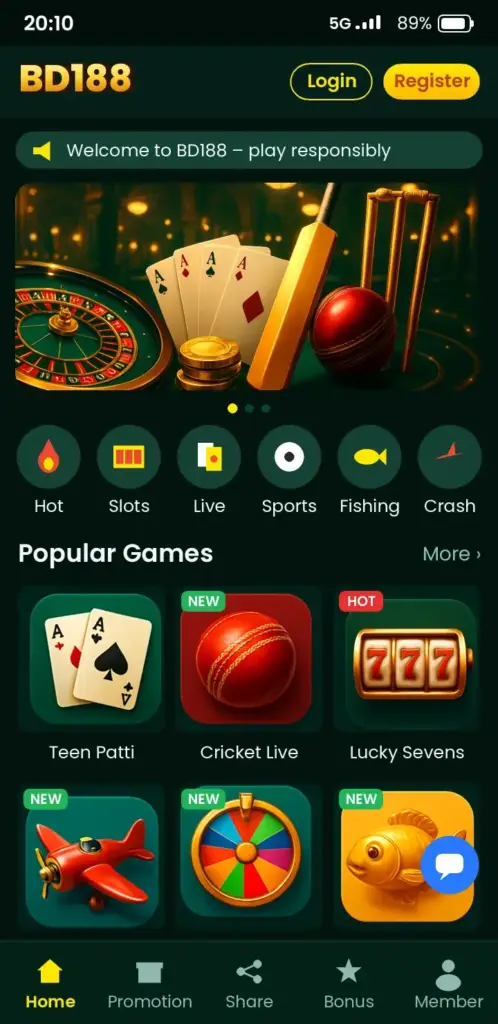
The app is built for mobile data, so pages load lighter than a desktop site on slow 4G. Tip: open the app on Wi-Fi once to let all sections load.
Takeaway: one app covers betting, games and payments.
BD188 App Download: five steps to install the Android APK
You want the file on your phone without surprises. Follow these steps in order.
- Open your phone browser (Chrome works well) and go to the official platform link above.
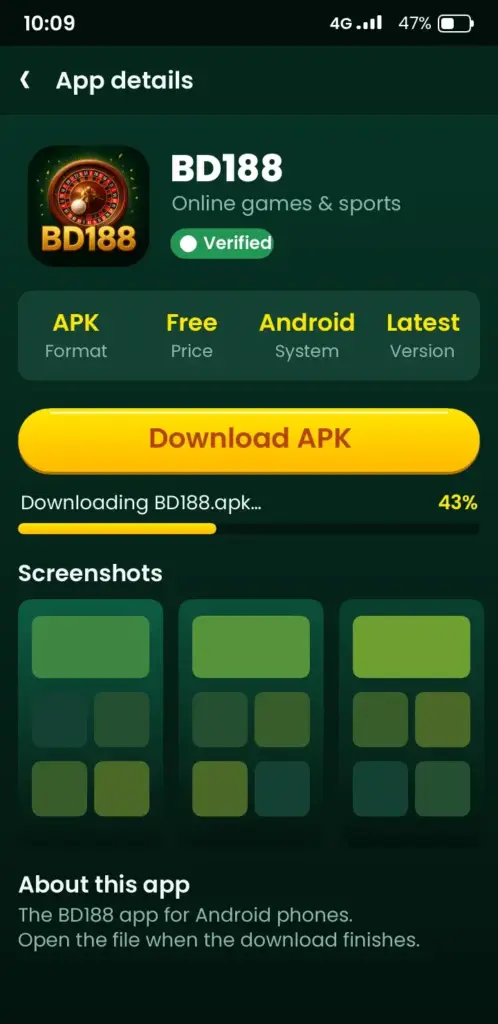
- Tap the Android download button and wait for the APK file to finish.
- Open the file from your notification bar or the Downloads folder.
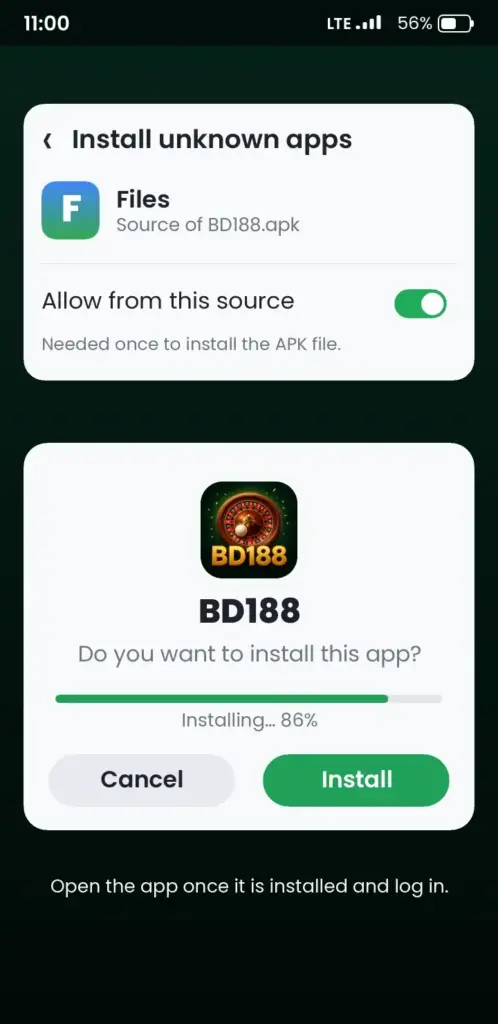
- If asked, allow installs from this source. Android shows a prompt once; tap Settings, switch it on, then go back.
- Tap Install, then Open, and log in with your number and OTP.
Tip: switch the unknown-sources permission off again afterwards. New here? Read the BD188 login page for number formats and OTP help.
Takeaway: the permission is a one-time switch, not a setting to leave on.
Before you download: requirements at a glance
| Check | What to look for | Why it matters |
|---|---|---|
| Phone system | A recent Android version; check the app page for the exact minimum | Old systems can refuse the install |
| Free storage | Keep several hundred MB free | A full phone stops the install midway |
| Connection | Wi-Fi or stable 4G | A broken download gives a corrupt file |
| Browser | Chrome or the default browser | Some browsers block APK files |
| Age | 18 or older | Required to use the platform |
Takeaway: two minutes of checking saves a failed install.
Does BD188 work on iPhone?
iPhone users cannot install an APK, because that format is Android only. The simple option is the mobile site: open it in Safari, log in, then use Share and Add to Home Screen to get an icon like an app. Check the platform for any dedicated iOS app before assuming one exists.
Takeaway: iPhone means the mobile site, not an APK.
Updating the app without losing your account
Your account lives on the server, not the file, so updating does not delete your balance or history. Download the newer APK from the same official link and install it over the old one. Do not uninstall first unless the update fails.
- Open the app and look for an update notice on the home screen.
- Download the new file only from the official platform.
- Install over the old version and log in again if asked.
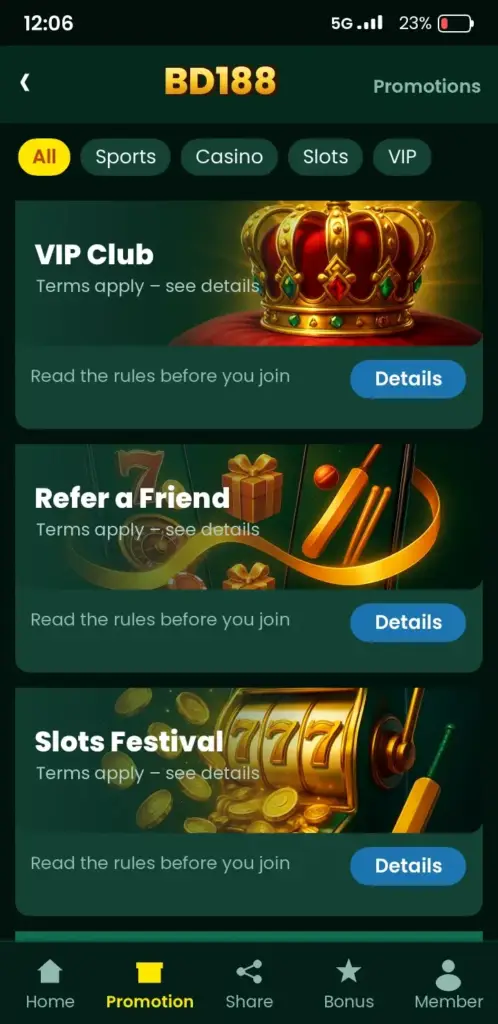
Keep notifications on so you hear about changes to bonuses; the BD188 bonuses page explains wagering terms to check.
Takeaway: update over the top, never from a forwarded file.
Troubleshooting: symptom, cause, fix
| Symptom | Likely cause | Fix |
|---|---|---|
| App not installed | Low storage or older version conflict | Free space, then reinstall over the old one |
| Install blocked | Unknown sources off | Tap Settings in the prompt and allow once |
| File will not open | Download cut off on weak data | Delete it and download again on Wi-Fi |
| Parse error | Corrupt file or unsupported system | Re-download from the official link; check your Android version |
| OTP not arriving | Network or wrong number format | Use 01… or +880, wait a minute, request once |
| App crashes on open | Old build or low memory | Update the app and close other apps |
Takeaway: match the symptom to the row and fix one thing at a time.
Safety habits after you install
You protect your account by acting carefully. Never share your password or OTP, even with someone claiming to be support. Use only your own money and set a daily limit before your first deposit. If you pay with Nagad or bKash, save the transaction ID.
Betting is entertainment, not income. If play hurts your sleep or work, pause your account and talk to free, confidential support.
Takeaway: limits first, bets second.
Where to go after the install
Once you are logged in, pick your path. Sports fans can read the BD188 sports betting page, slot players the slots page, and crash game fans the Aviator page. Questions? The BD188 FAQ covers the rest.
Storage, data and battery: what the app asks of your phone
A betting app that runs live streams and odds updates uses more data and battery than a simple tool. Knowing what to expect helps if you rely on a prepaid mobile pack in Bangladesh. Check the current file size on the download page before you start, because it changes with each release.
Odds screens and cricket markets use little data on their own. Live video and live casino tables are the heavy part, so switch to Wi-Fi for those when you can.
- Free space: keep a few hundred MB spare so the installer and later updates do not fail.
- Mobile data: browsing markets is light; live tables use far more, so watch your pack.
- Battery: lower screen brightness and close background apps during a long T20 or ODI match.
- Background limits: some phones stop apps to save power, which can delay OTP or score alerts.
If the app feels slow, clear its cache in Android settings before you reinstall. Reinstalling should be the last step, not the first.
Android permissions you should and should not grant
After the install, Android may ask for several permissions. Granting only what the app needs keeps your phone safer and is a habit worth building for every APK you sideload.
Most features work with very little access. If a screen asks for something unrelated to betting, deny it and see whether the app still works. You can change any choice later under Settings, then Apps, then Permissions.
| Permission | Why it may be asked | Suggested choice |
|---|---|---|
| Notifications | Bet results, bonus and match alerts | Allow, and mute what you do not need |
| SMS / OTP reading | Fills the login code automatically | Optional; you can type the OTP yourself |
| Camera | Uploading ID photos for KYC | Allow only while verifying |
| Contacts or call logs | Not needed for play | Deny |
Turn off the "install unknown apps" setting for your browser once the install is finished. This closes a door that other files could use.
Moving to a new phone without losing access
Your account lives on the server, not on the handset, so changing phones does not erase your balance or history. What you need is the same registered mobile number and your password.
- Keep your old SIM or confirm you can receive an OTP on the new device.
- Install the app on the new phone using the same download steps as before.
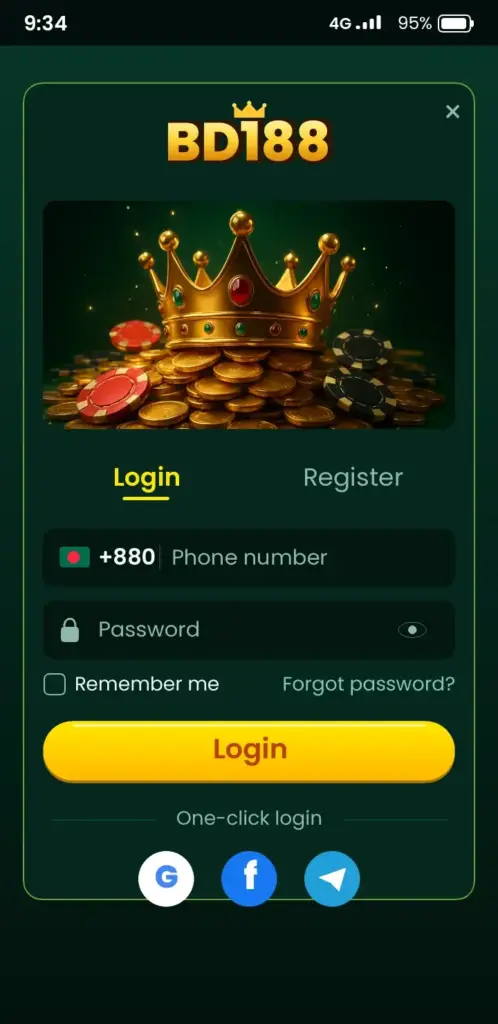
- Log in with your mobile number, password and the OTP that arrives by SMS.
- Check your balance, pending bets and saved bKash or Nagad details.
- Log out on the old phone and clear the app data before you sell or give it away.
If you changed your number, contact support before anything else. They may ask for identity checks, so have your ID and recent transaction details ready. Do not share your password or OTP with anyone, including people who claim to be helping you.
18+ only. Play responsibly, within your means. Ready? Download the app, then register or log in to start.
BD188 App Screenshots: Game Lobby, Login, Deposit & Bonuses
See how the BD188 app looks on an Android phone before you download it – tap any screen to open the app.
Frequently Asked Questions
How do I do the BD188 app download on Android?
Open the official platform link in Chrome, tap the Android download button and wait for the APK. Open the file, allow unknown sources once when prompted, tap Install, then log in with your mobile number and OTP. The whole process takes about two minutes on stable data.
Does BD188 work on iPhone?
An APK cannot be installed on an iPhone because it is an Android format. Open the BD188 mobile site in Safari, log in, and use Share then Add to Home Screen for an app-like icon. Check the platform for any dedicated iOS app.
Is the BD188 APK safe to install?
Safety depends on the source. Download only from the official platform link, never from chat groups or unknown sites. Keep your phone updated, switch the unknown-sources permission off afterwards, and never share your password or OTP with anyone, including people claiming to be support.
Why does the BD188 app say app not installed?
The causes are low storage, a conflict with an older version, or a damaged file. Free some space, delete the old download, get a fresh APK from the official link on Wi-Fi, and install again over the existing app.
How do I update the BD188 app?
Download the newer APK from the same official link and install it over your current app. Your balance and history stay on your account, so you do not need to uninstall first. Log in again if the app asks you to.
What are the BD188 app system requirements?
You need an Android phone with enough free storage and a stable connection. The exact minimum Android version and file size can change, so check the download page before installing. Several hundred MB of free space is a sensible buffer.
How do I deposit with bKash in the BD188 app?
Open the wallet tab, choose a deposit method such as bKash if listed, enter the amount in taka and follow the prompts. Save the transaction ID. Check the app for current minimums and available methods before paying.
BD188 app download korbo kivabe?
Phone browser theke official platform link e jan, Android download button chapun, then APK file open korun. Unknown sources ekbar allow kore Install chapun. Shesh e mobile number ar OTP diye login korun. Wi-Fi te korle bhalo.
Why is my BD188 OTP not arriving after install?
Check that your number uses the 01… or +880 format and that you have signal. Wait about a minute and request the code once; repeated taps can delay it. If it still fails, restart the phone and try again.
Can I use BD188 for cricket betting on the app?
Yes, the app lists cricket markets such as match winner, toss and player markets for matches like IPL and BPL. Available markets change by match, so check the sports section. Bet only with money you can afford and set a daily limit.