

BD188 Login Problems? Mobile OTP Password Solutions
Sign in on the app or mobile site with your number and OTP, reset a forgotten password and fix the usual login errors.
Table of Contents
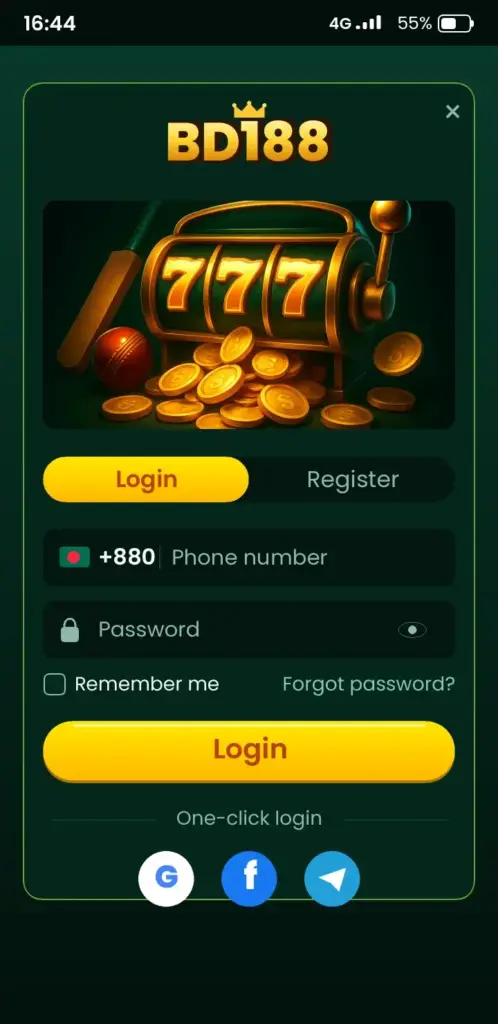
You log in to BD188 with your registered mobile number and password, then confirm with an OTP if the app asks for it. It takes about a minute on a normal 4G connection. Always open the login from the link or app you trust, never from a message sent by a stranger.
A common mistake is thinking a new phone needs a new account. It does not. Your account belongs to your number, so you sign in with the same details on any device.
Which BD188 login method should you use?
You have two options: the installed app or the mobile browser. Both open the same account, balance and open bets. Pick the one that suits your phone storage and habit.
| Method | Best for | Needs |
|---|---|---|
| App | Daily use, quick open, saved session | Installed APK, some storage |
| Mobile browser | Shared or low-storage phones | Chrome or similar, stable data |
If you have not installed it yet, read the BD188 App Download page first. Takeaway: the app is faster, the browser needs no install.
How do you sign in on the app?
You want to be inside in under a minute. Follow these steps.
- Open the BD188 app from your home screen.
- Tap Login.
- Type your mobile number. Use the same format you used at registration, for example 01XXXXXXXXX.
- Enter your password.
- If an OTP arrives by SMS, type the code before it expires.
- Tap Login again and check that your balance shows on the wallet tab.
Tip: switch off auto-capitalisation if your password has mixed case. Many failed attempts come from one wrong capital letter.
Takeaway: number, password, OTP, done.
Can you log in from a mobile browser?
Yes, and the steps are almost the same. Open your browser, go to the official platform, and tap Login. Enter your number and password, then the OTP if requested.
- Type the address yourself or use a bookmark you saved earlier.
- Check the padlock in the address bar before typing a password.
- Log out on shared phones when you finish.
Takeaway: bookmark the page once and skip searching every time.
BD188 login korbo kivabe if you forgot the password?
You can reset it without contacting anyone, as long as you still control your registered number.
- On the login screen, tap Forgot password.
- Enter your registered mobile number.
- Wait for the OTP SMS, which arrives within a minute.
- Type the code and set a new password.
- Log in with the new password.
Choose a password you do not use for bKash, email or social media. Tip: write the new one in a private note, not in a chat with friends.
Takeaway: reset needs your number, so keep that SIM active.
Why is the OTP not arriving?
A missing code is the top complaint. The cause is a network or phone setting, not a blocked account.
- Wait 60 seconds before asking for a new code. Several requests can delay delivery.
- Check the number for a typo or a missing digit.
- Move to a spot with better signal, since SMS can lag on weak 4G.
- Look in your blocked or spam SMS folder.
- Restart the phone, then request one fresh code.
Takeaway: one patient request beats five quick ones.
Which login problems are most common, and what fixes them?
| Problem | Likely cause | Fix |
|---|---|---|
| Wrong password message | Typo, caps lock, old password | Retype slowly or reset |
| Number not found | Different format or number | Try 01… format and check which SIM you used |
| OTP expired | Code typed too late | Request a new one and enter it at once |
| App stuck on loading | Weak data or old version | Switch Wi-Fi or data, update the app |
| Logged out often | Cleared cache or new device | Sign in again, avoid cleaning apps |
| Account locked | Many failed attempts | Wait, then reset or ask support in the app |
If you are not sure the app is current, check the install steps on the app page. Takeaway: match your error to the table before you try anything drastic.
How do you keep your account safe after logging in?
Your password and OTP are the only keys, so treat them like your bKash PIN. Nobody from the platform will ask you for an OTP in a chat or call.
- Never share a code, even with someone who says they help.
- Use a unique password of at least 8 characters.
- Log out on any phone that is not yours.
- Protect your SIM and phone with a lock screen.
- Keep your money transfers in apps you know, such as the bKash app or Nagad.
For bets, bonus rules and games after login, see the BD188 home page for the route. Takeaway: a strong password and a silent OTP stop most account problems.
What should you do next after you are in?
Check your wallet tab, then look at your profile details and complete any verification the app requests. Verification matters before a first withdrawal, and the app shows what it needs.
Set a daily spending limit before your first bet. Betting is entertainment, not income, and you should only use money you can afford to lose. If play starts to hurt sleep, work or family, take a break and talk to free, confidential support at Gambling Therapy.
Takeaway: set your limit first, play second.
What to prepare before you try to sign in
Most failed sign-ins come down to a few small details that are easy to check in under a minute. Having them ready saves you from repeated attempts, which can trigger a temporary lock on some accounts.
Start with the phone itself. A SIM that can receive SMS, a stable connection and enough battery to finish the OTP step are the basics. If you are on mobile data in a weak area, switch to Wi-Fi or move to a spot with a better signal before you tap the button.
- Registered number: the exact mobile number you used when you created the account, not a second SIM or a family member’s number.
- Password: typed carefully, with caps lock off and no extra space at the end if you paste it.
- Current app version: an outdated build can freeze on the loading screen, so update it first if you installed it a while ago.
- Correct date and time: set your phone to automatic time, because a wrong clock can interfere with secure connections.
- Free storage: a nearly full phone may stop the app from saving your session.
If everything above looks fine and you still cannot get in, move on to the support route described next rather than guessing passwords.
When to contact support and what to send them
Contact support when the OTP never arrives after several minutes, the registered number is no longer yours, or the app says your account is restricted. These cases cannot be fixed from your side, and repeated retries will not help.
A clear message gets a faster reply. Write briefly, describe what you see on screen and attach a screenshot of the error. Avoid sending your password or full card or wallet details, as a genuine agent should never need them.
- Give the registered mobile number and your username if the app shows one.
- Describe the exact message, for example “OTP not received” or “account locked”.
- Say what you already tried: restarting the app, switching network, resetting the password.
- Mention the phone model and Android or iOS version.
- Note the time of your last attempt so the team can trace it.
Expect to be asked to confirm your identity, and have your ID ready in case verification is requested. Response times vary, so check the app for the current support hours and channels. Keep the conversation inside the app or the contact options it lists, and ignore anyone who messages you first offering to “recover” your account for a fee.
This page is for adults aged 18 and over. Play responsibly, and stop when it stops being fun. Ready? Open the app, tap Login, and enter your number. New here? Start with the BD188 App Download page and register.
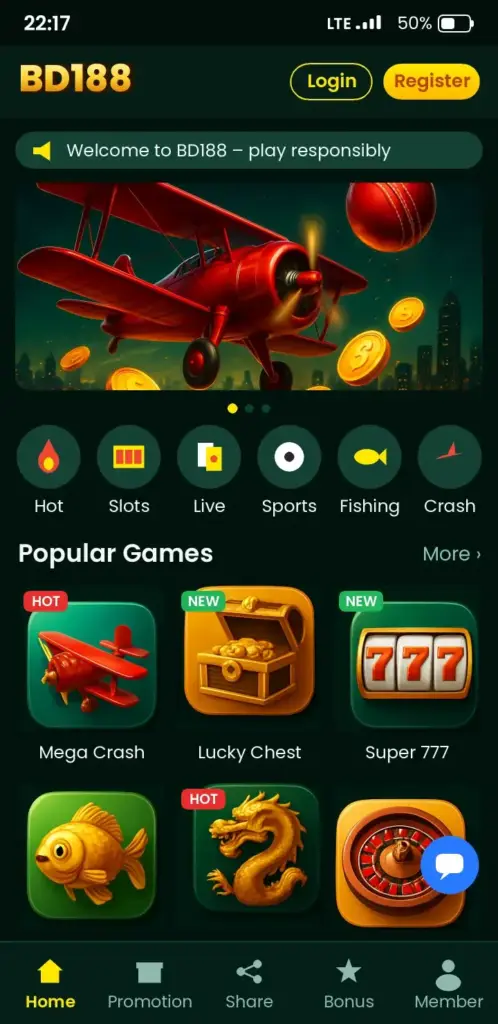
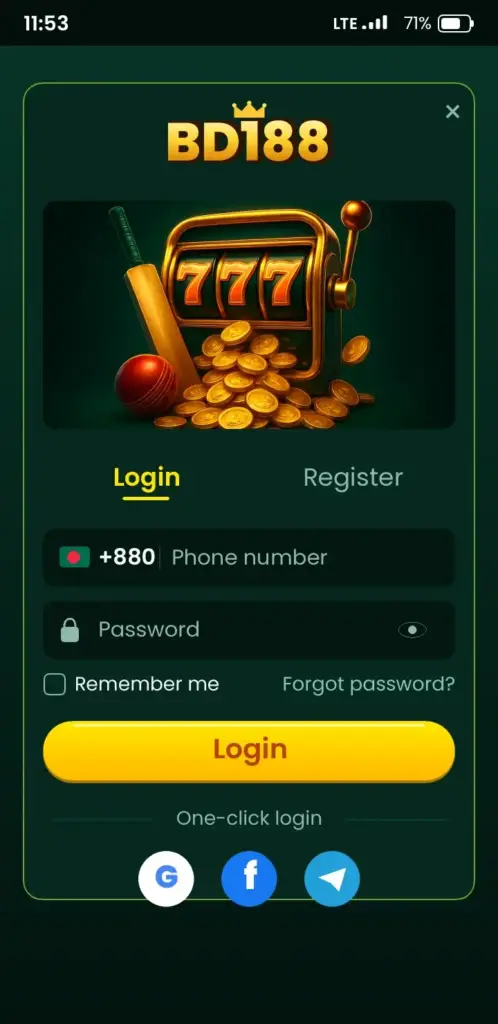
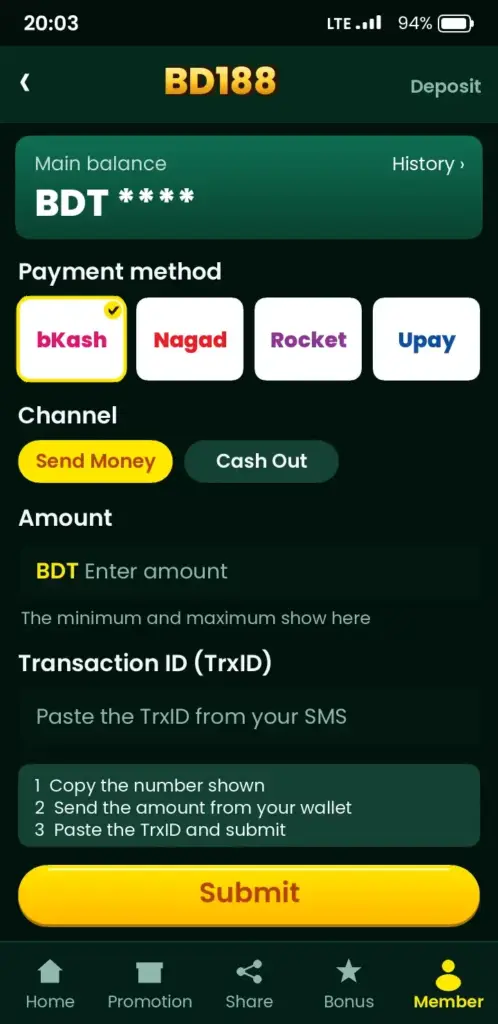
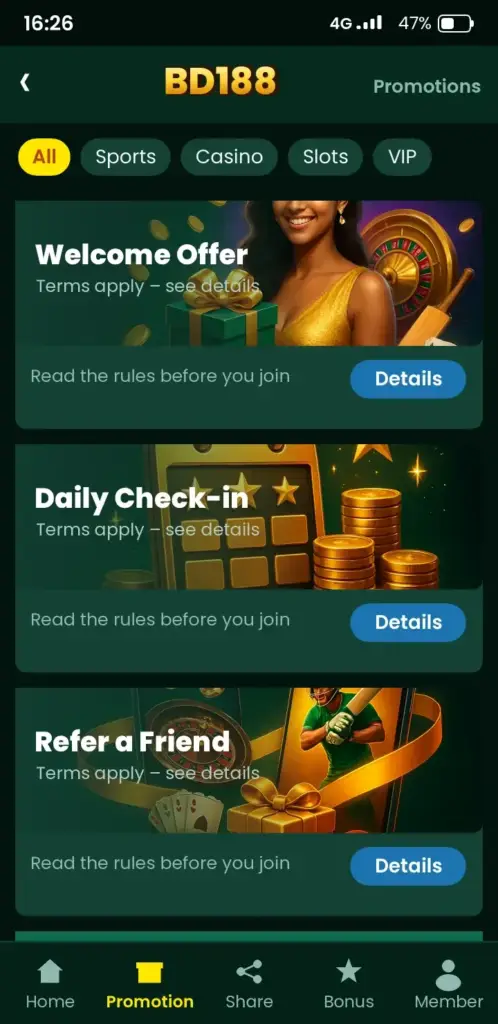
BD188 App Screenshots: Game Lobby, Login, Deposit & Bonuses
See how the BD188 app looks on an Android phone before you download it – tap any screen to open the app.
Frequently Asked Questions
How do I complete the BD188 login on my phone?
Open the app or the mobile site, tap Login, enter your registered mobile number and password, then type the OTP if the app asks. After that, check the wallet tab for your balance. Use the same number you registered with.
BD188 login korbo kivabe without the app?
You can use a mobile browser. Open the platform address you trust, tap Login, then enter your number, password and OTP. Check for the padlock icon first. Bookmark the page so you do not need to search again next time.
What can I do if the BD188 password is forgotten?
Tap Forgot password on the login screen, enter your registered number, and type the OTP that arrives by SMS. Then set a new password and sign in. Pick one you do not use for bKash, email or other apps.
Why is the BD188 OTP not arriving?
Delays come from weak signal, a wrong number or too many requests. Wait about a minute, check the number, look in blocked SMS, restart the phone and request one new code. If it still fails, ask support in the app.
Can I use BD188 login on a new phone?
Yes. Your account is tied to your number, not the phone. Install the app or open the mobile site, enter your number and password, and confirm the OTP. You do not need to register again.
Which number format works for BD188 login?
Use the format you used at registration, such as 01XXXXXXXXX with 11 digits. If it fails, try the +880 style only if the app shows that option. Check you are using the right SIM number.
Is BD188 login safe to use on public Wi-Fi?
Public Wi-Fi carries more risk, so mobile data is the safer choice. If you must use it, check the padlock, avoid saving the password and log out afterwards. Never share your OTP with anyone.
How do I fix the BD188 app stuck on the loading screen?
Switch between Wi-Fi and mobile data, close and reopen the app, and check for an update. If it still loads slowly, restart the phone. Weak 4G is the most common cause, especially on the move.
Can I stay logged in on BD188 login for the next visit?
The app keeps your session until you log out or clear its data. This is handy on your own phone, but avoid it on shared devices. Use the logout option in your profile when you finish.
BD188 e login korte problem hole ki korbo?
First read the error message. Check your number and password, request one fresh OTP, and try another network. If the account seems locked, wait a while and then reset the password or contact support through the app.